Skip to content
AIThe copilot plans every change and waits for your approval

Your entire infrastructure.
One control plane.

Provision servers on any cloud, install your stack in one click, deploy from Git with zero downtime, and watch every metric and log. One place, for your whole team.

Launching soon, free for one server.

Runs on the clouds, systems and stacks you already use

  • Hetzner
  • AWS
  • DigitalOcean
  • Vultr
  • Linode
  • Scaleway
  • GitHub
  • GitLab
  • Ubuntu
  • Debian
  • Nginx
  • PostgreSQL
  • MySQL
  • Redis
  • Docker
  • Node.js
  • PHP
  • Laravel
  • Next.js
  • WordPress
  • Cloudflare
  • Let's Encrypt

One control plane

Stop stitching six tools together

Most teams run a server panel such as Ploi, plus SSH, a folder of scripts and three monitoring tools. Orchec covers all of it, with one login, one permission model and one audit trail.

See how Orchec compares with Ploi

Today

  • A server panelprovisioning and sites
  • SSH sessionskeys on every laptop
  • Shell scriptsin someone’s home folder
  • An uptime monitorseparate login
  • A metrics toolseparate agent
  • A log search toolseparate bill

With Orchec

  • One login, with roles scoped to projects and servers
  • One agent per server, outbound only
  • Metrics, logs, uptime and alerts in the same place
  • Saved scripts that run on many servers, with output per server
  • One audit log for people, bots and AI

Platform

Everything you run. From the first server to the hundredth.

Servers and installs

Any cloud, a full stack in one click

Create servers on Hetzner, AWS, DigitalOcean and five more clouds, or connect one you already have. Install Nginx, PHP, Node.js, PostgreSQL and Redis from tested manifests that are safe to run twice.

Explore servers and installs
AI copilot

A copilot that asks first

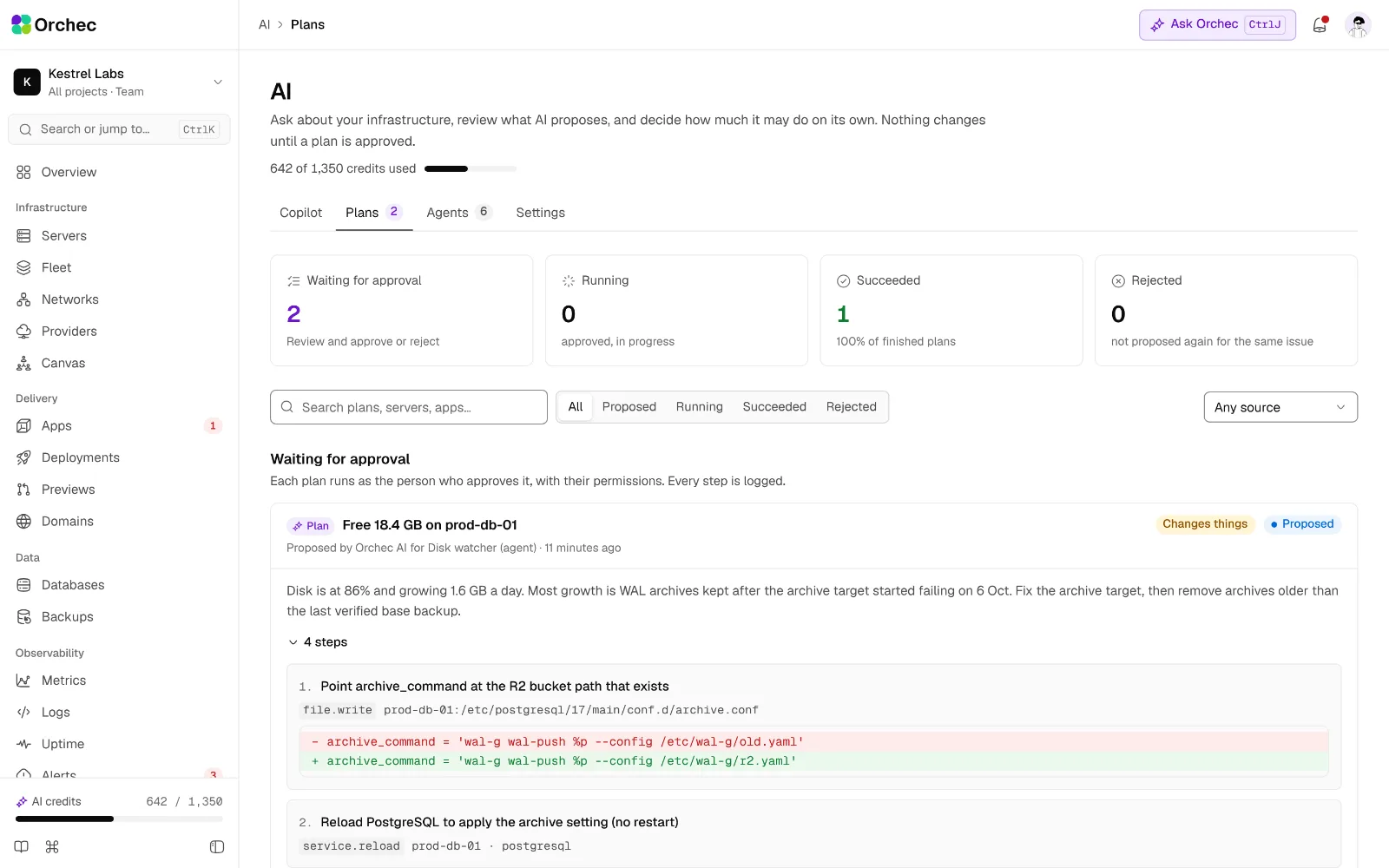
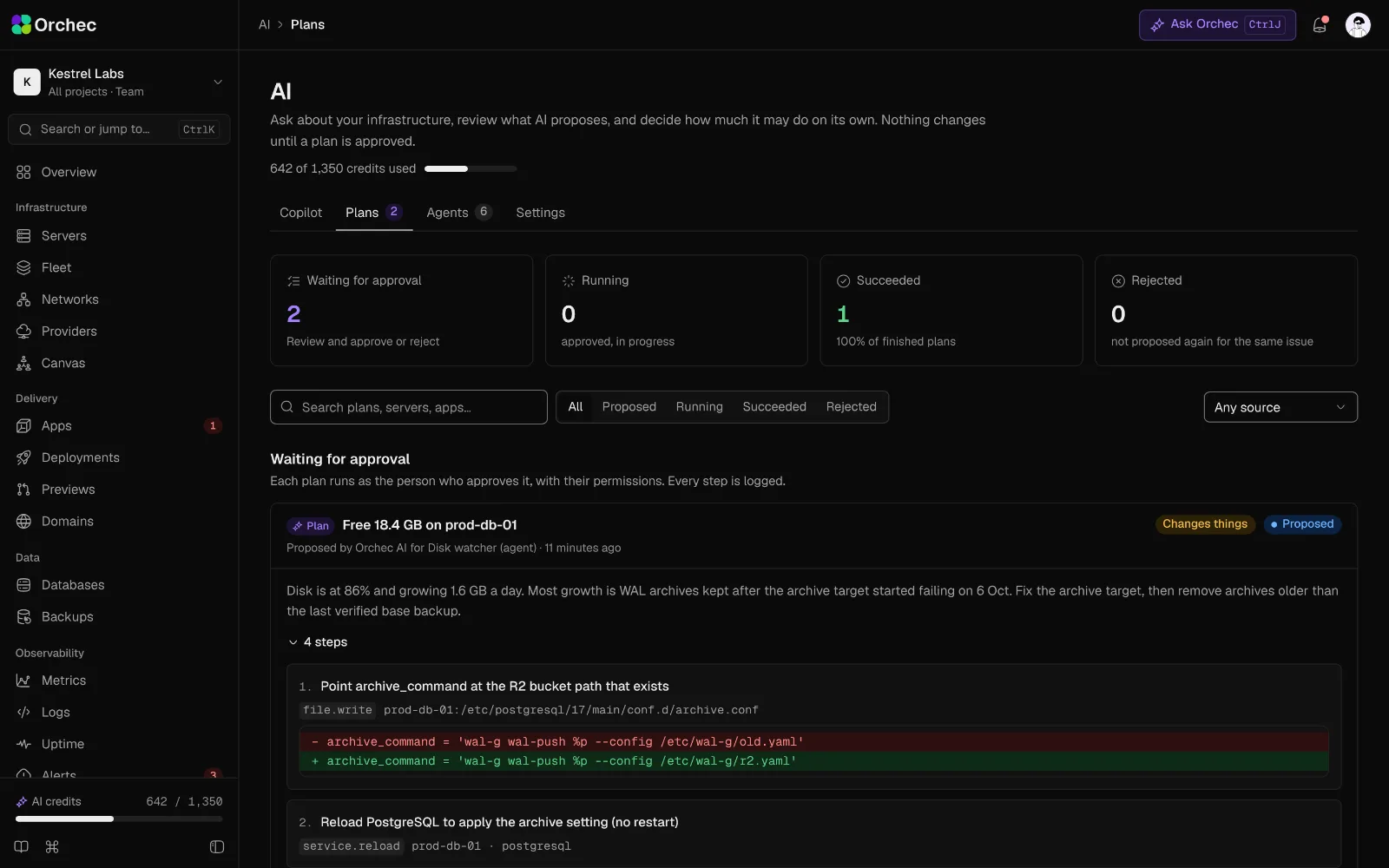
Ask about any server, log or chart. When something needs to change, the copilot writes a plan with a diff and a risk level, and waits for your approval.

Explore the AI copilot

Deploys

Push to deploy, no downtime

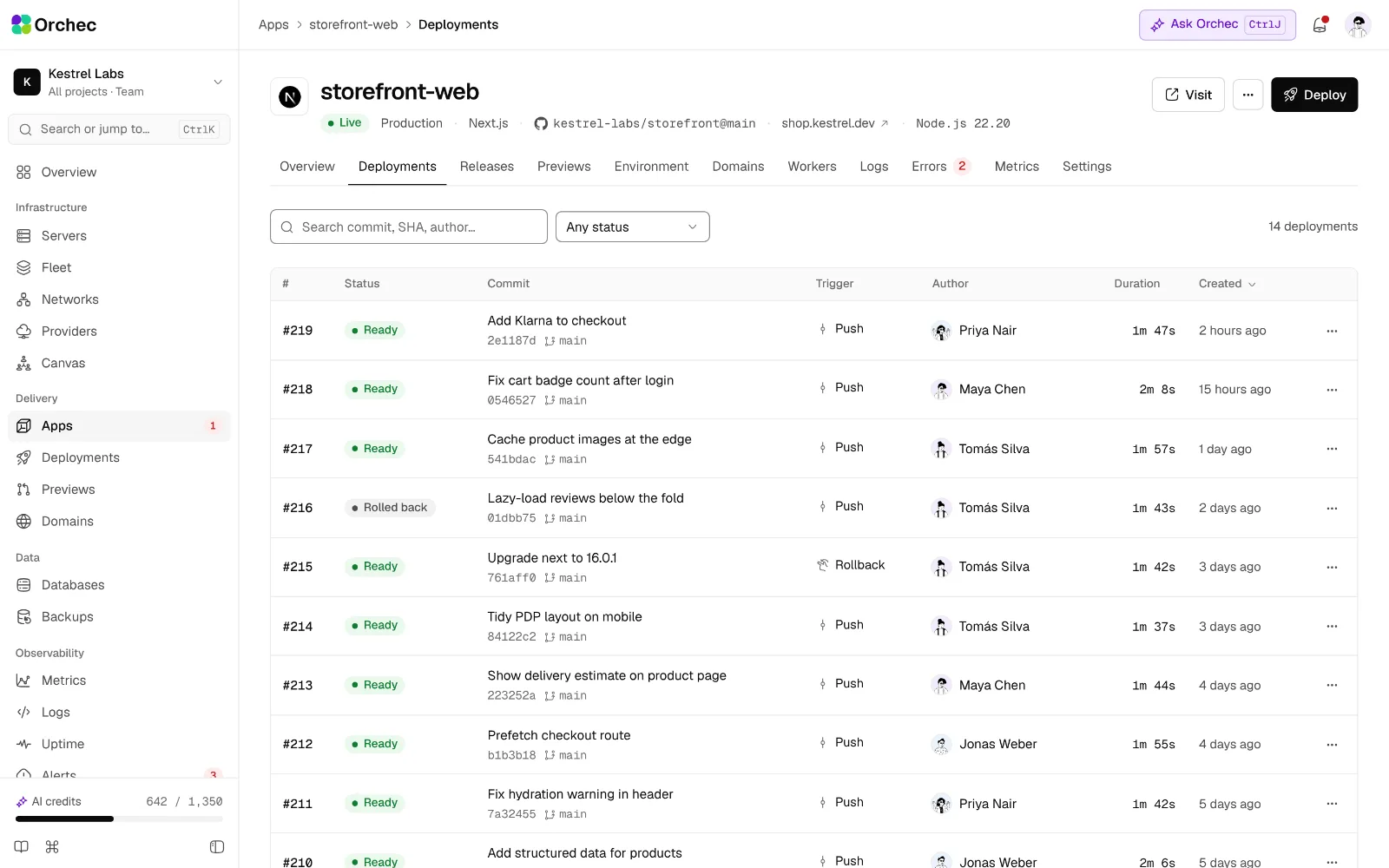
Every push builds a new release, passes a health check and switches over at once. Roll back to any recent release in one click.

Explore deploys

Observability

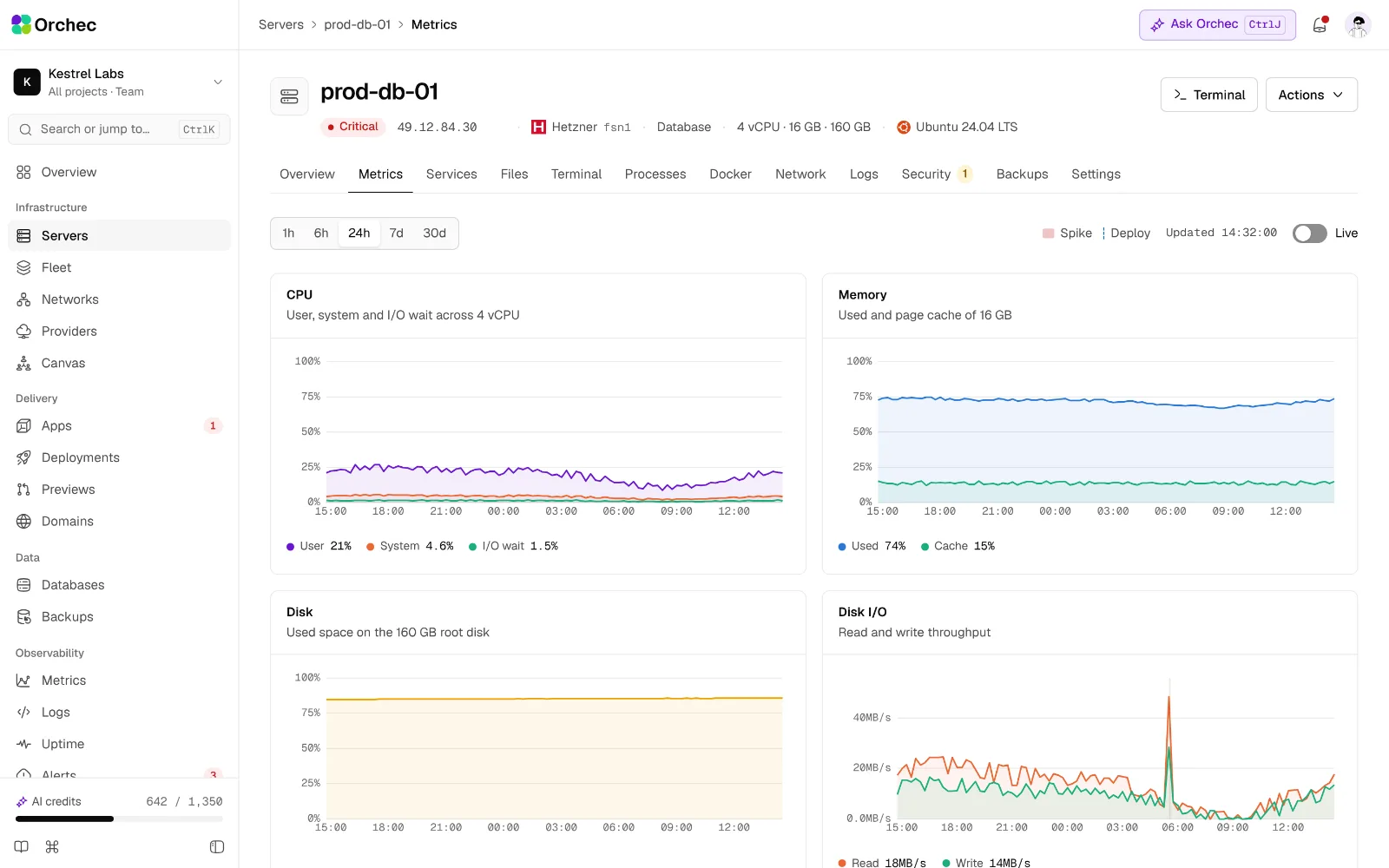
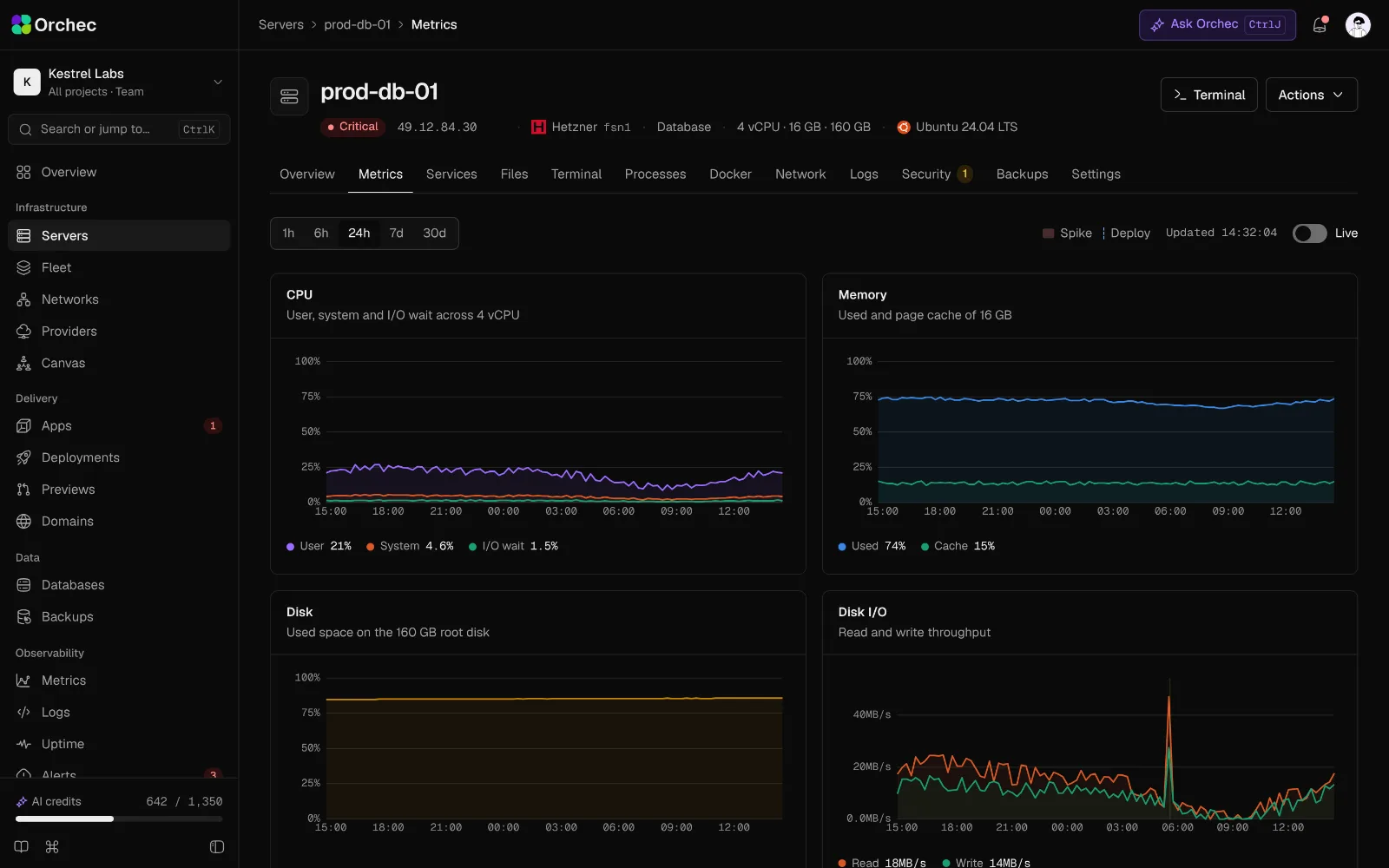
Metrics and logs, live

Charts refresh every two seconds while you watch, logs stream as they happen, and alerts reach email, Slack, Discord or Telegram.

Explore observability

Databases

Databases you can see into, and restore

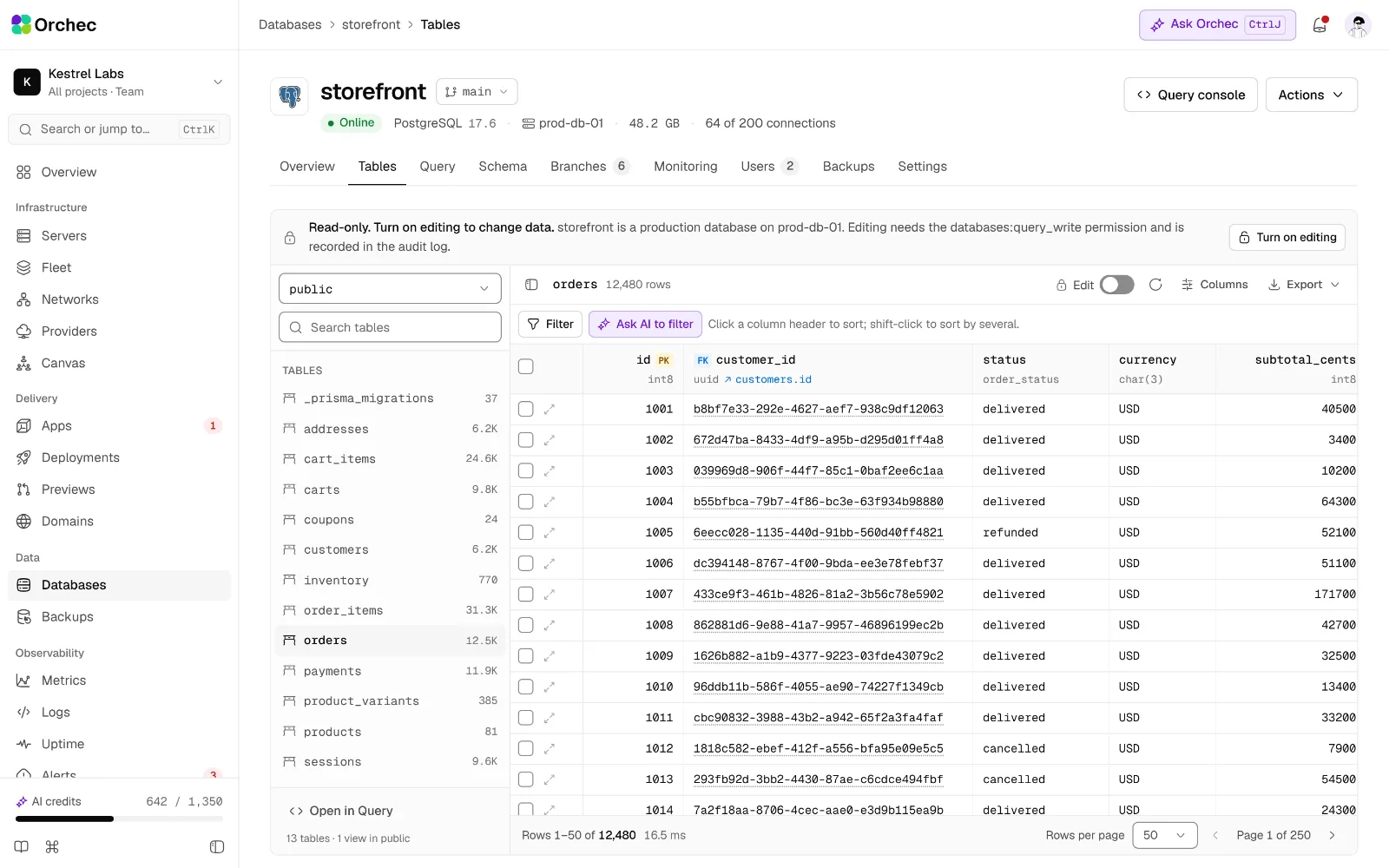
PostgreSQL, MySQL, MariaDB and Redis with a data grid, a read-only SQL console and AI that writes the query. Scheduled backups to your own storage, with restores you can test.

Explore databases

Security

Every action on the record

Roles scoped to projects and servers, secrets masked until someone with permission reveals them, and an audit log of every change.

Explore security

Orchestration

Run the whole fleet like one server

Tag servers by environment, run scripts across many at once with output per server, and manage workers, cron and containers from one place.

Explore orchestration

Files and terminal

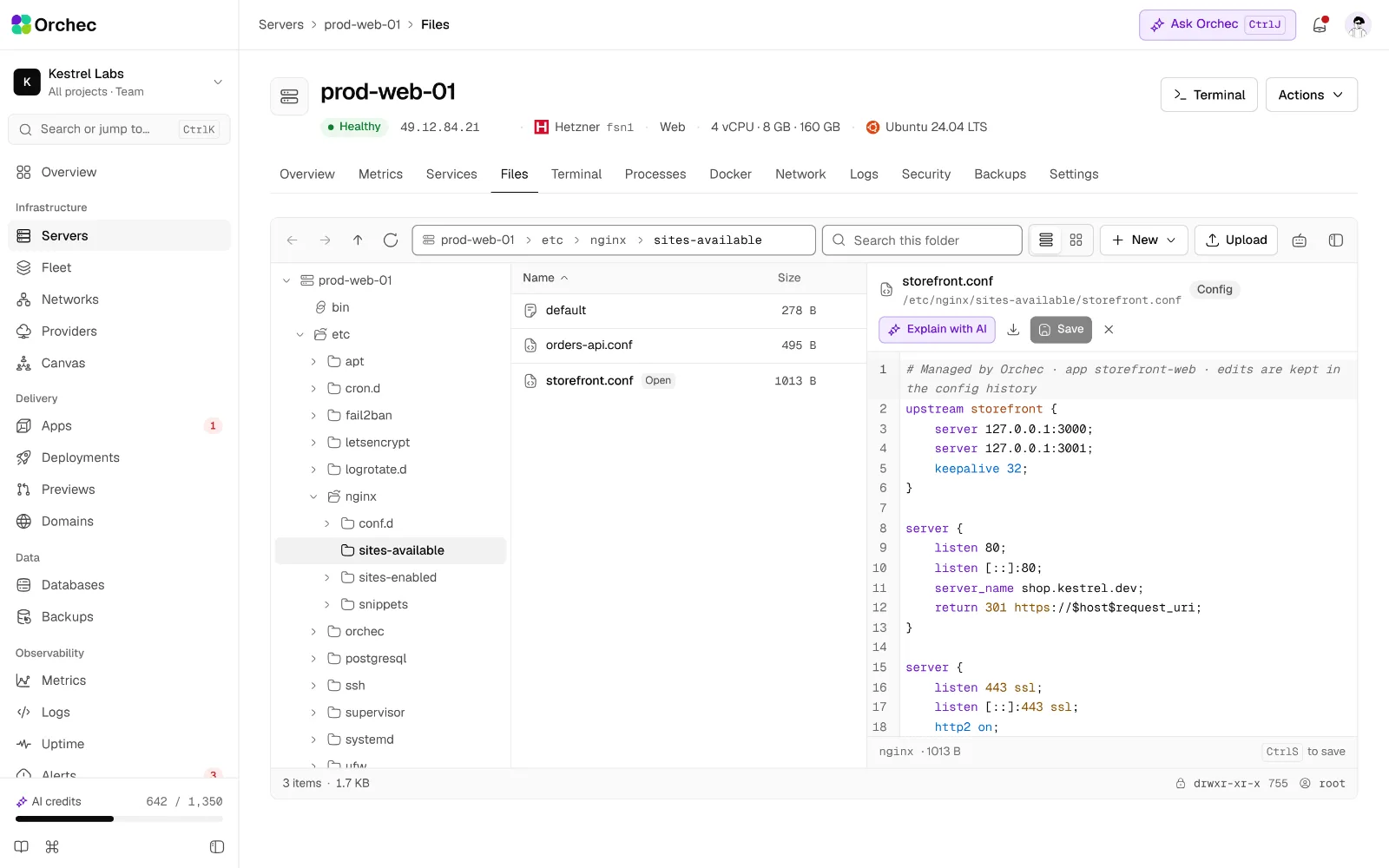
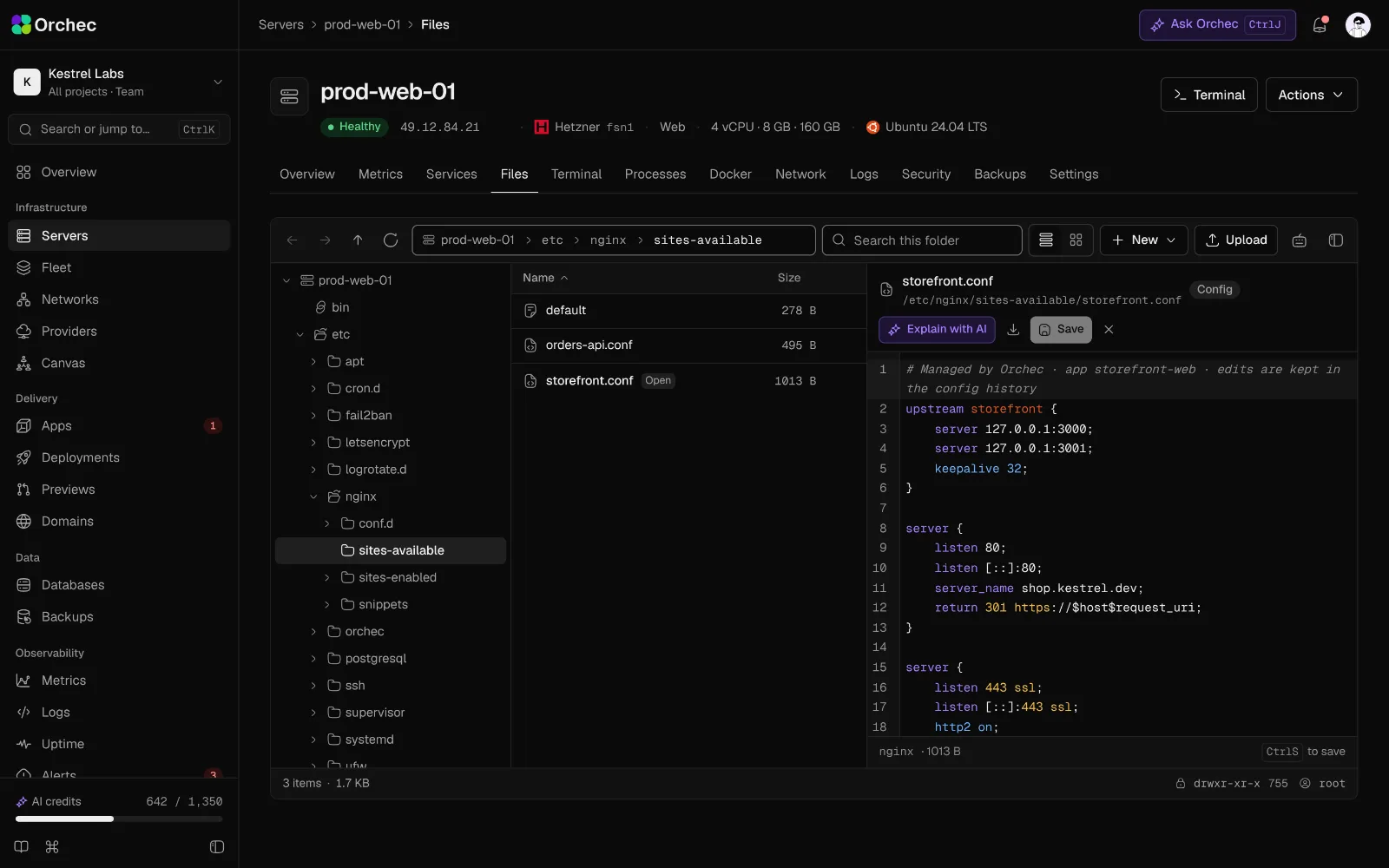
A file manager and terminal in the browser

Browse, edit and upload files in a desktop-style explorer, and open a terminal through the agent. No public SSH port, and people only see the paths their role allows.

Explore files and terminal

How it works

The agent dials out. Nothing dials in.

Paste one install command on any Ubuntu or Debian server, or let Orchec create one for you. A small Rust agent connects back over port 443 and does only what a person or plan allows.

Outbound only

The agent opens one encrypted connection to Orchec on port 443. Servers need no open inbound port, and Orchec keeps no SSH keys for them.

Typed operations

The agent runs a fixed list of typed, allow-listed operations. Nothing sends it a raw shell string, and that includes the AI.

Signed and checked

Agent releases are signed and update themselves. The install script is checked against its published SHA-256 before it runs.

Safe by design

Plan. Approve. Run. Verify.

Every change follows the same four steps, whether you click a button, call the API or ask the copilot. Nothing changes a server without a plan someone can read first.

  1. 01

    Plan

    A teammate or the AI writes the change as a plan: what runs, on which servers, with a diff and a risk level.

    risk: read · change · destructive

  2. 02

    Approve

    Reads run freely. Changes need a confirm. Destructive actions need a second person.

    approved by maya@kestrel.dev

  3. 03

    Run

    The plan runs as a durable job through the agent, with live output and only the asker’s permissions.

    job_01J… · streaming

  4. 04

    Verify

    Orchec checks the result against the plan’s success test. Every step lands in the audit log.

    p95 182 ms · passed

The dashboard

One screen for everything you run

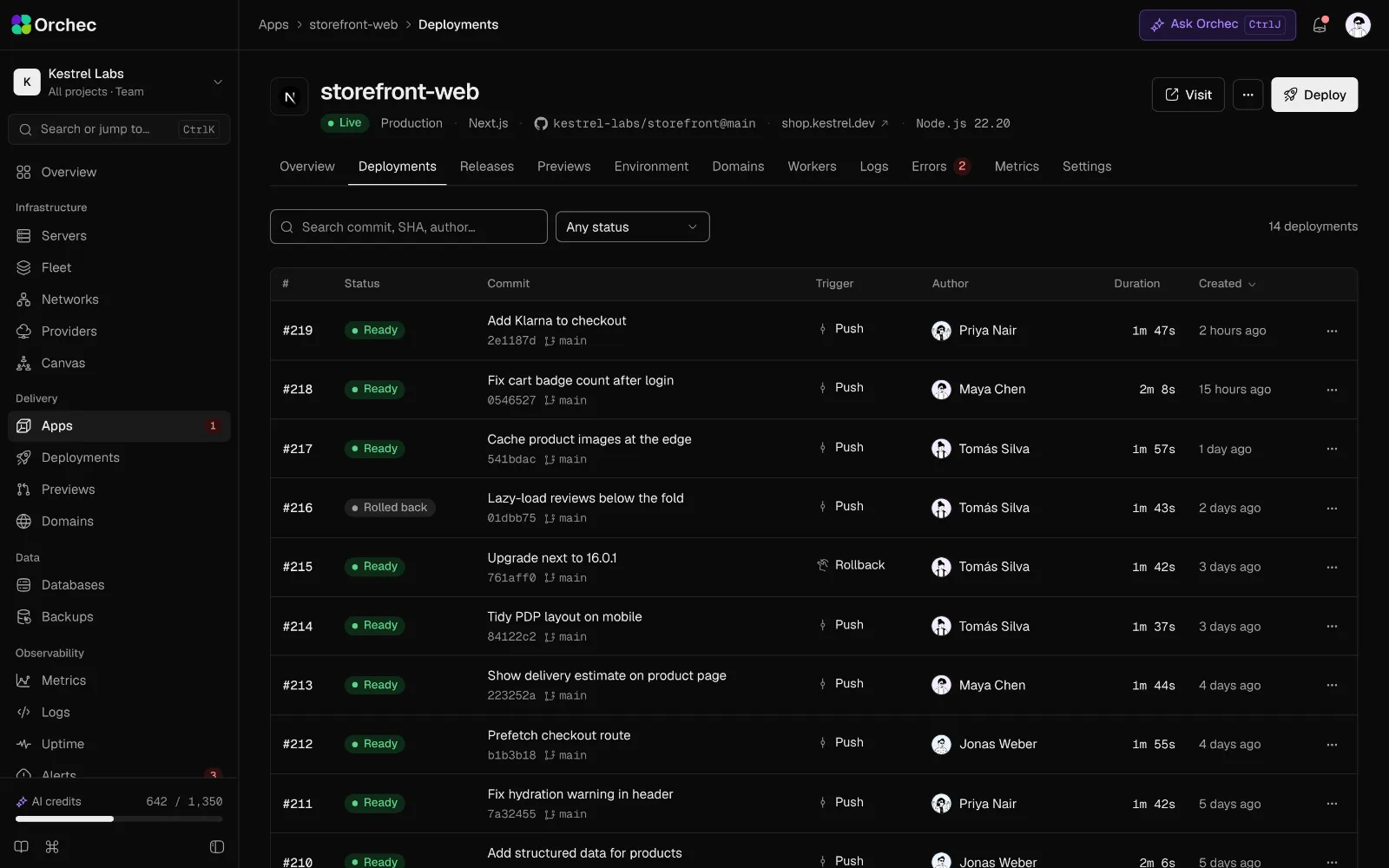
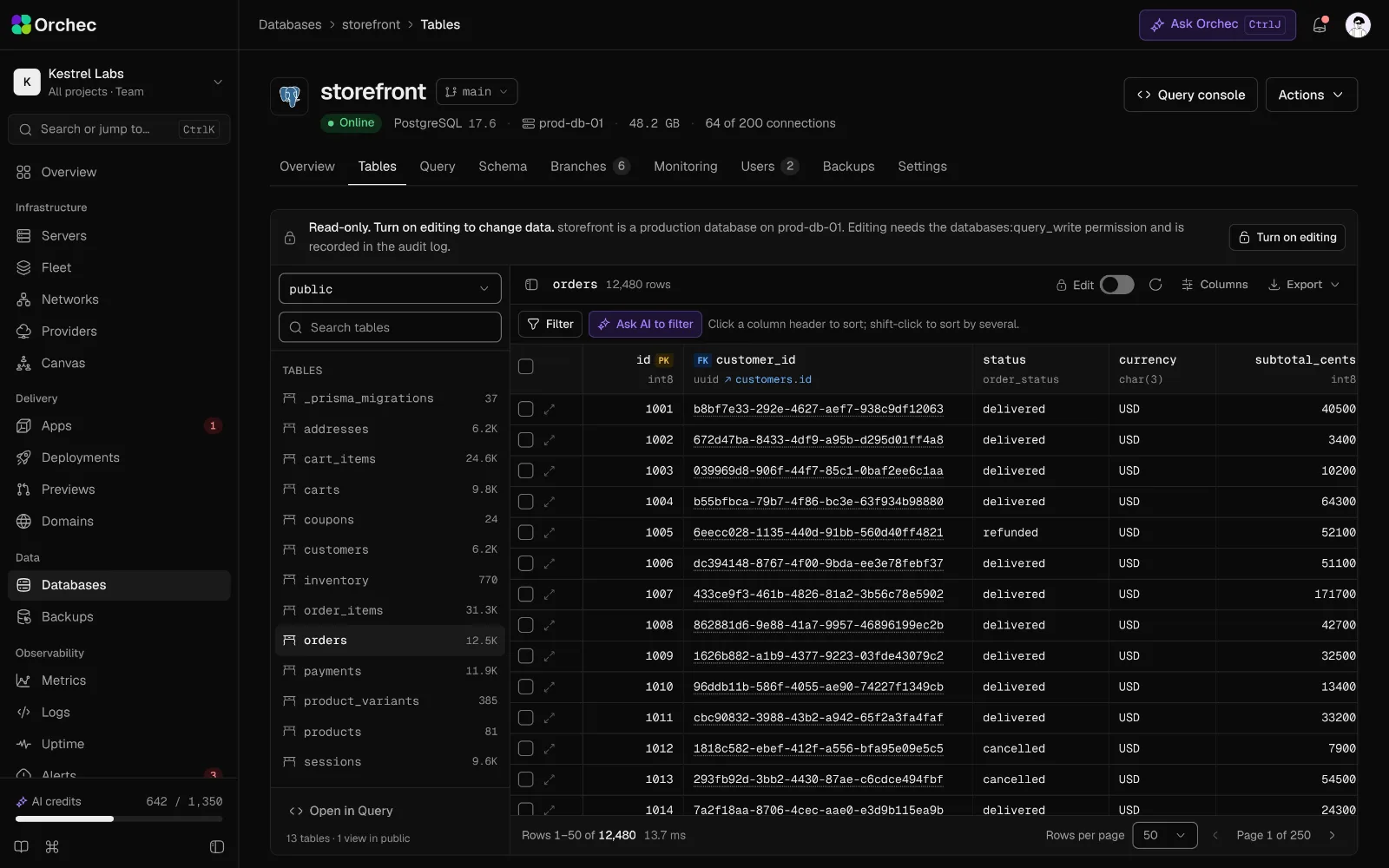
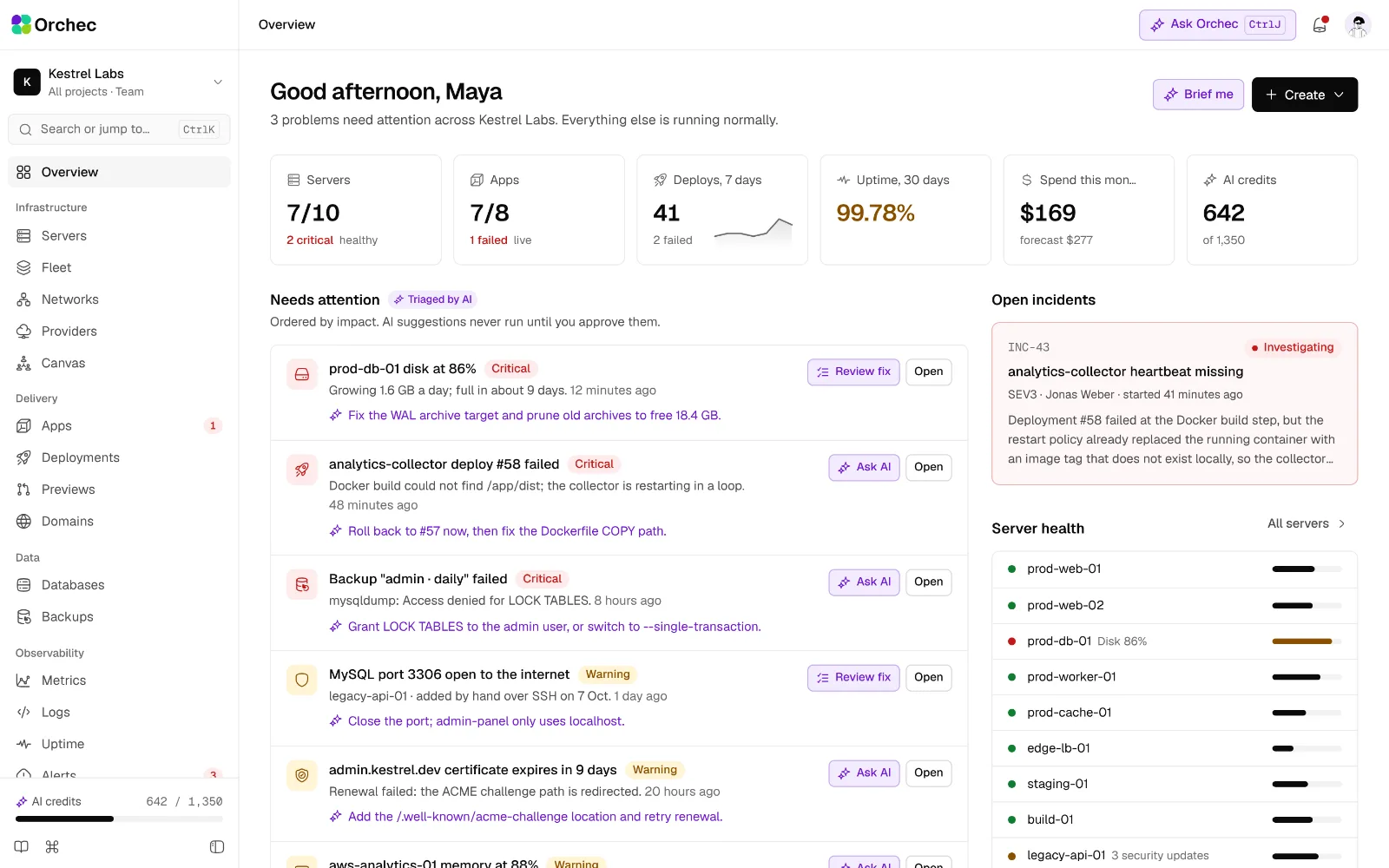
These are real screens from the Orchec dashboard, running on sample data. Book a demo and we will walk you through the rest.

Book a walkthrough
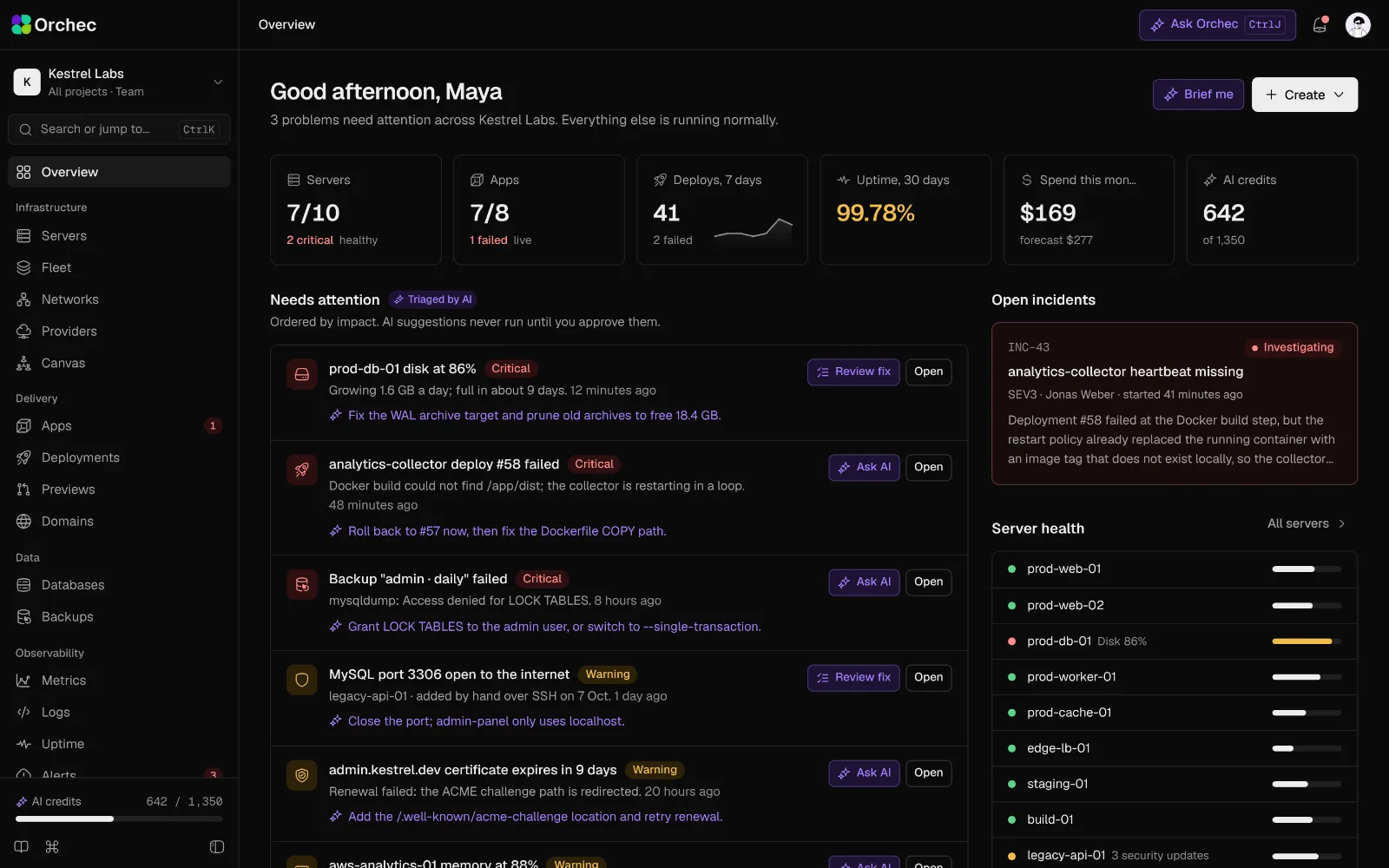
The Orchec overview: fleet health, recent deploys, alerts and spend for the Kestrel Labs sample organization.The Orchec overview: fleet health, recent deploys, alerts and spend for the Kestrel Labs sample organization.

Any cloud, any region

Your servers, wherever they run

Create servers on 8 clouds from one form, with the monthly price shown first, or bring any Ubuntu or Debian machine with one command. Ubuntu 26.04 LTS, Ubuntu 24.04 LTS, Debian 13, on x86_64 and arm64.

clouds at launch
8
supported systems
3
CPU architectures
2
inbound ports needed
0
  • Hetzner
  • DigitalOcean
  • AWS
  • Vultr
  • Linode
  • UpCloud
  • Scaleway
  • Hostinger

On the roadmap: Google Cloud, Azure, OVHcloud, Oracle Cloud, Proxmox and on-prem.

API, MCP and CLI

Built for terminals, scripts and agents

Everything you can click, you can call. Wire Orchec into CI, your own tools or an AI agent, and every call goes through the same permissions and audit log as the dashboard.

  • REST API. Every action in the dashboard is in the API, with scoped tokens and RFC 9457 errors.
  • MCP. Let Claude, ChatGPT or Cursor operate Orchec, with your permissions and nothing more.
  • CLI. A Rust CLI for deploys, logs, SSH, environment variables and rollback. roadmap
POST /api/v1/…/deployments
$ curl -X POST https://api.orchec.com/api/v1/apps/app_storefront/deployments \    -H "Authorization: Bearer $ORCHEC_TOKEN" \    -d '{"ref":"main","environment":"production"}'{  "id": "dep_01JB7Q",  "status": "queued",  "job": "job_01JB7Q",  "stream": "deployment:dep_01JB7Q"}

Pricing

Simple plans, priced per fleet

Free for one server. Every plan includes deploys, one-click installs, the file manager, the terminal, the API and the MCP server.

Compare plans

Prices in US dollars, excluding tax. Enterprise plans are custom.

FAQ

Questions, answered

What does Orchec replace?
A server panel such as Ploi or Forge, plus the SSH sessions, shell scripts and separate uptime, metrics and log tools most teams add around it. Orchec does all of that in one place, with one login, one permission model and one audit log.
Do my servers need open ports, or does Orchec keep SSH keys?
No. A small Rust agent on each server opens one outbound connection to Orchec over port 443 with mutual TLS. Servers need no inbound port for Orchec, and Orchec keeps no SSH keys for them. The browser terminal runs through the same connection.
Which clouds and systems are supported?
Hetzner, DigitalOcean, AWS, Vultr, Linode, UpCloud, Scaleway, Hostinger at launch, and any Ubuntu or Debian server you already have. New servers run Ubuntu 26.04 LTS, Ubuntu 24.04 LTS, Debian 13, on x86_64 and arm64. Ubuntu 22.04 and Debian 12 servers can be imported.
Can the AI change my servers on its own?
No. The copilot answers questions freely, but every change becomes a plan with a diff and a risk level that a person approves. It runs with the permissions of the person who asked, never more, and destructive actions need a second person. Prompts, plans and results all go to the audit log.
What happens to my servers if a payment fails?
They keep running. Orchec never stops customer servers over billing. After three retries over 7 days, management actions pause until the payment goes through, and your data is kept for 90 days.
Is there a free plan?
Yes. Free covers 1 server and 1 member, with 25 AI credits a month, deploys, one-click installs, the file manager and the terminal. See pricing for the paid plans.
Can I run Orchec on my own hardware?
Yes. The self-hosted Community edition is free with unlimited servers. Business costs $990 a year for up to 50 servers. See self-hosted.
When does Orchec launch?
Orchec is in private development with design partners. Join the waitlist for an early invite, or book a demo to see it on your own stack.

Be first in when Orchec opens.

Join the waitlist for an early invite, or book a demo and we’ll walk your team through it on your own stack.